Unlock your Apple Display & XDR on Windows
Connecting a Studio Display to a Windows PC leaves you stuck at 100% brightness. DisplayBuddy changes that. Control your true brightness directly from your taskbar or keyboard.
7-day free trial on Microsoft Store
Works seamlessly with:
- Studio Display (first gen - released 2022)
- Studio Display (second gen - released 2026)
- Studio Display XDR (released 2026)
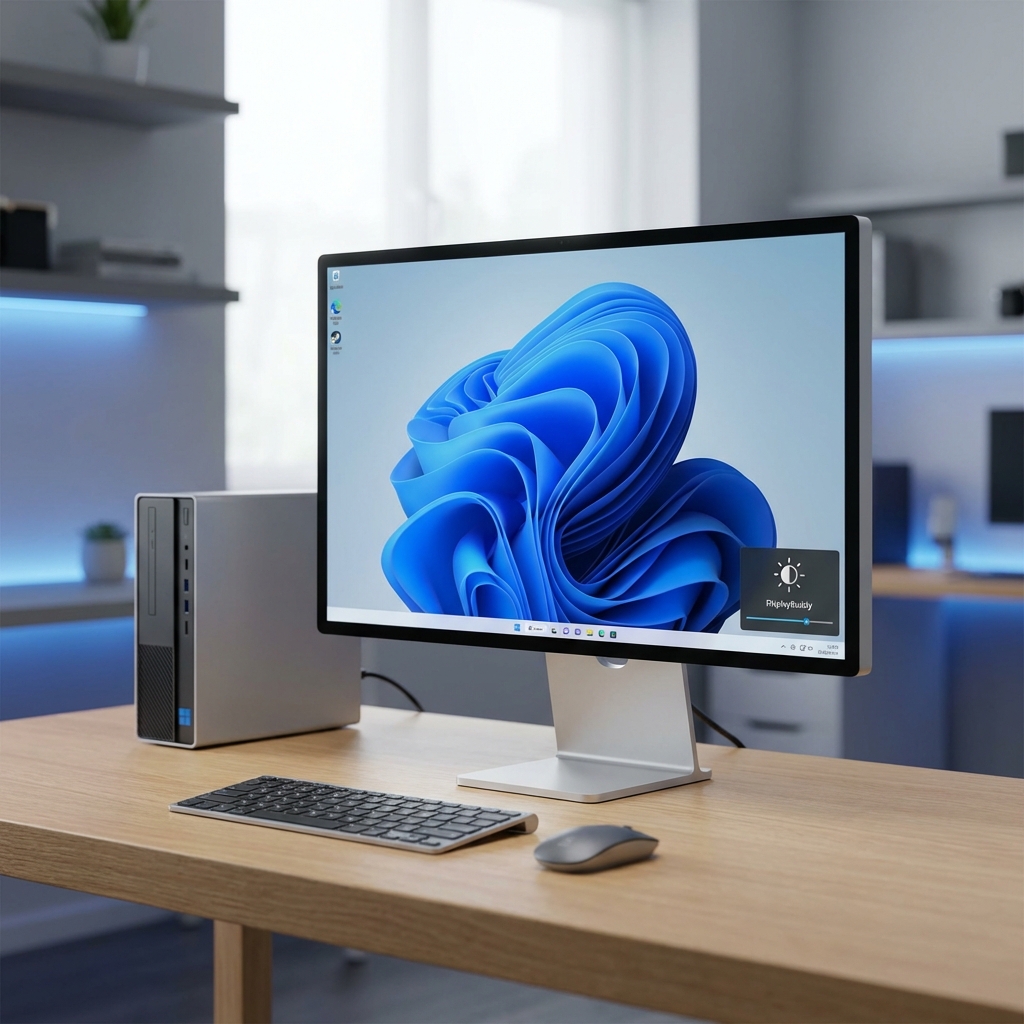
Designed for professionals.
Built to ensure your $1,600+ monitor behaves exactly as it should on Windows.
Genuine Hardware Control
Adjust the actual backlight of the Studio Display or Studio Display XDR directly. We don't use cheap software filters—your full color accuracy and high contrast are preserved.
No Boot Camp Required
DisplayBuddy communicates with the Apple proprietary USB protocol natively on Windows. It works instantly over Thunderbolt or USB-C without installing massive Apple driver packages.
Keyboard Shortcuts & Sync
Map your PC keyboard's brightness keys to control your Apple display flawlessly. If you have a dual-monitor setup, DisplayBuddy can sync their brightness automatically.
Apple Studio Display XDR on Windows 11
Apple announced the stunning new Studio Display XDR in March 2026. This $3,299 monitor is an incredible piece of hardware, but using it on a PC can be frustrating without native controls. DisplayBuddy brings full support for Apple Studio Display XDR brightness on Windows and Windows 11.
With the XDR's new Thunderbolt 5 connectivity, the data pipeline is wider than ever. DisplayBuddy perfectly handles these Thunderbolt 5 brightness commands, ensuring you get true hardware-level backlight control on your Studio Display XDR without resorting to washed-out software overlays.
Whether you're connected via Thunderbolt 5 or a standard USB-C cable, you get seamless Apple Studio Display XDR Windows compatibility right from your taskbar.
Why generic apps fail on the Studio Display
Most external monitors use a standard protocol called DDC/CI for controlling brightness. Because of this, standard Windows brightness apps like Monitorian can control them easily. However, Apple completely abandons this standard on their Studio displays, opting for a proprietary USB-based communication layer instead.
The "Software Dimming" Trap
When a generic app fails to talk to the Studio Display natively, it falls back to drawing a fake, transparent black box over your entire screen to simulate dimming. This destroys your contrast, washes out deep blacks, and offers zero power consumption savings.
DisplayBuddy for Windows was built to natively speak this proprietary Apple protocol. We do not use software overlays. We directly command the LEDs in your monitor so it behaves perfectly.
The DisplayBuddy Solution
- Directly commands the monitor's LED backlight
- Maintains perfect black levels and contrast
- Saves real monitor power by dimming the backlight
- Seamless taskbar slider integration
- Tested specifically with Studio Display. Both 1st (2022) and 2nd generation (2026)!
- Also works great with the shiny new Studio Display XDR
Experience your Apple Display, unlocked
Professionals don't accept washed out colors or 100% brightness at 2 AM. Tame your Studio Display on Windows today.
Download from Microsoft StoreExclusive to DisplayBuddy across the Windows ecosystem.